Your handwriting,
as a real font.
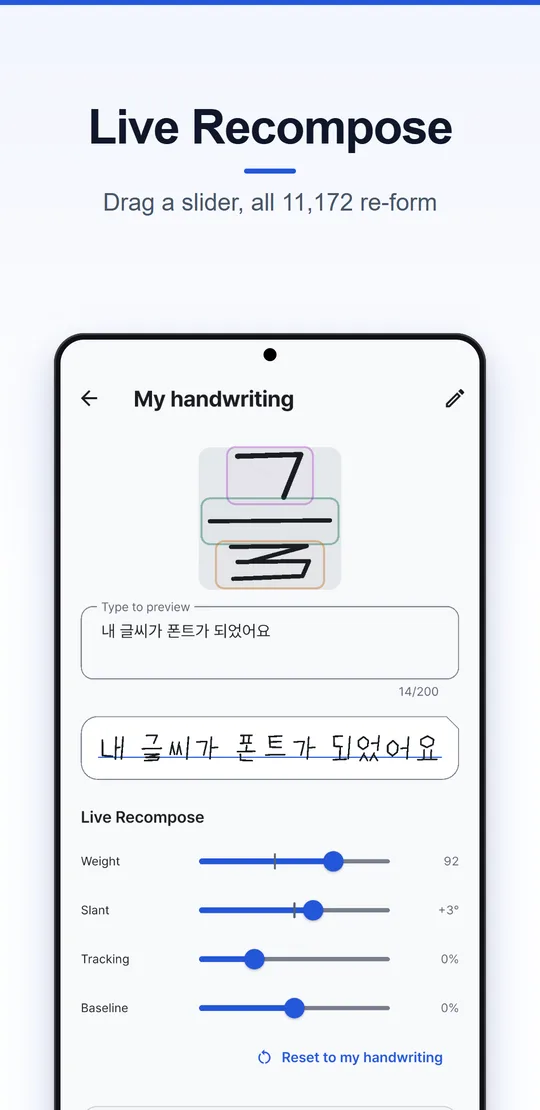
Write just 24 jamo and Handfont assembles all 11,172 Hangul syllables in your own hand. Print a sheet, take one photo, and get a TTF you can install anywhere.
Write six letters. Read 32 syllables.
Draw each jamo with your mouse or finger. The same strokes are reused in every syllable below — that's how Handfont builds all 11,172 from just 24.
What you draw here stays in your browser.
Words from your strokes
32 syllables, assembled as you write
Three steps, one sheet of paper
- 1
Print a sheet
Download the jamo sheet below and print it on A4 at 100% scale.
- 2
Write and photograph
Write one letter per box with a dark pen, then take a single photo of the whole page.
- 3
Get your font
Handfont reads every box on your phone and builds a TTF font from your strokes.
Everything you need to write in your own hand
-
One photo, 24 jamo
Corner markers let the app straighten the page and cut out every box automatically.
-
Or write on screen
No printer? Write each jamo with your finger or a stylus, or from a PC browser over Wi-Fi.
-
Latin, digits and symbols
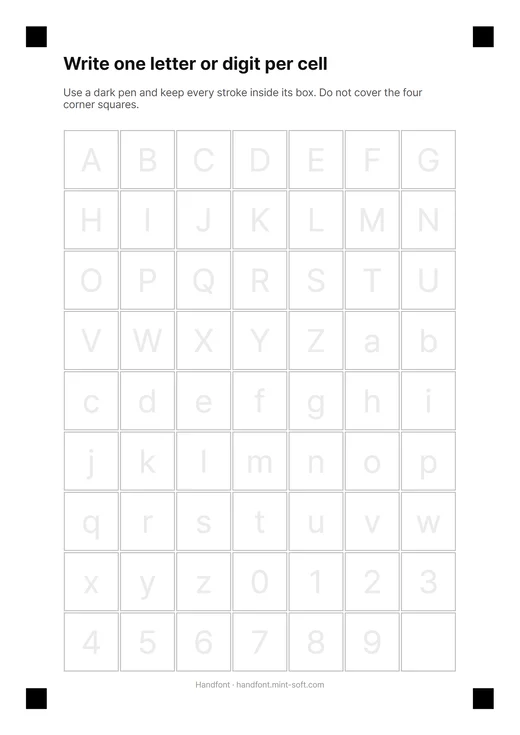
Separate sheets for A–Z, a–z, 0–9 and punctuation so whole sentences stay in your handwriting.
-
Real TTF export
Install the font on your phone or computer and use it in documents, notes and designs.
-
Letters and postcards
Write on manuscript paper, letters and postcard templates and share them as images.
-
Stays on your device
Reading the sheet and building the font happen on your phone. Your handwriting is never uploaded.
A look inside the app
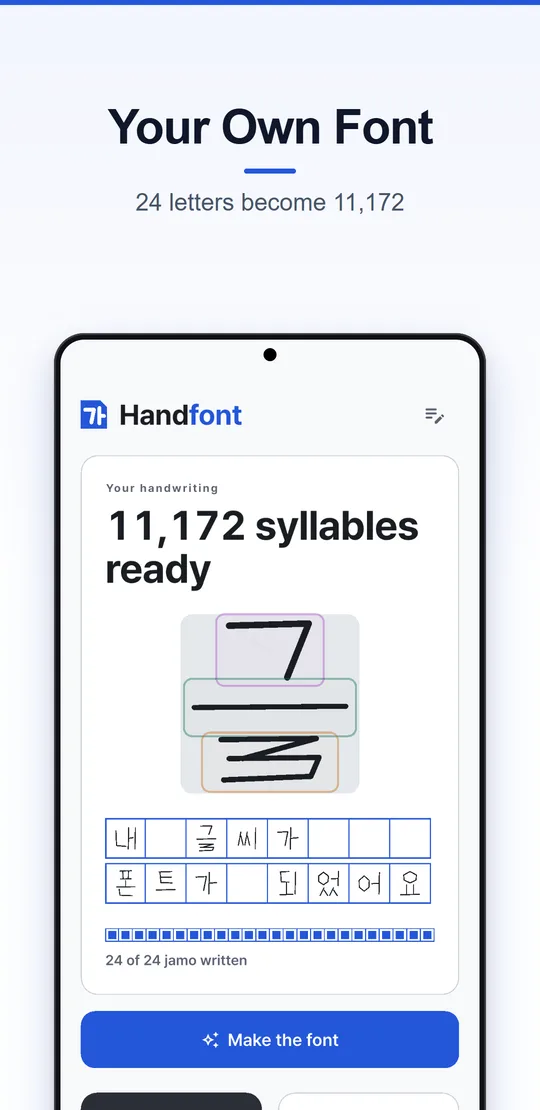
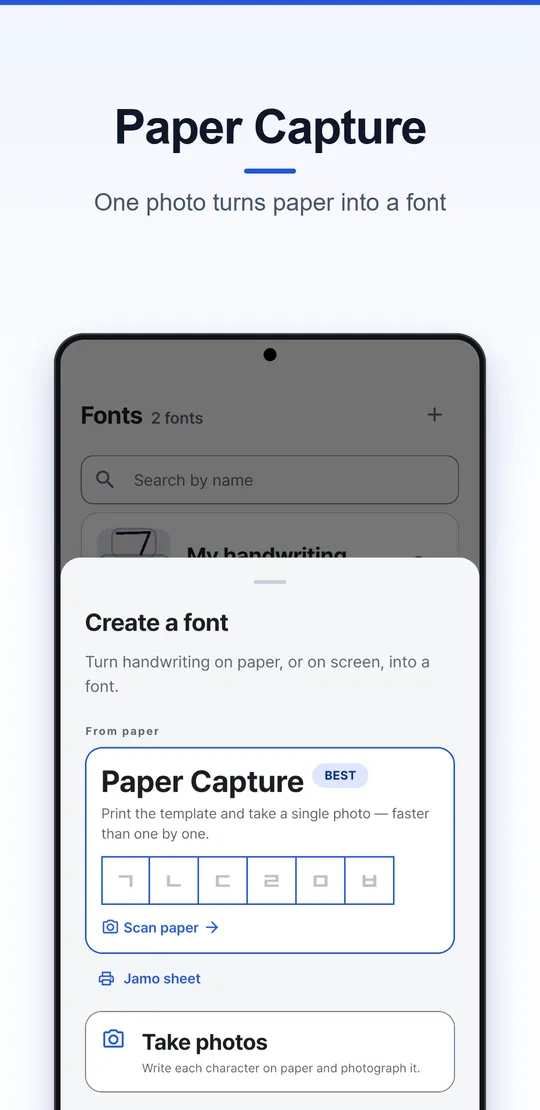
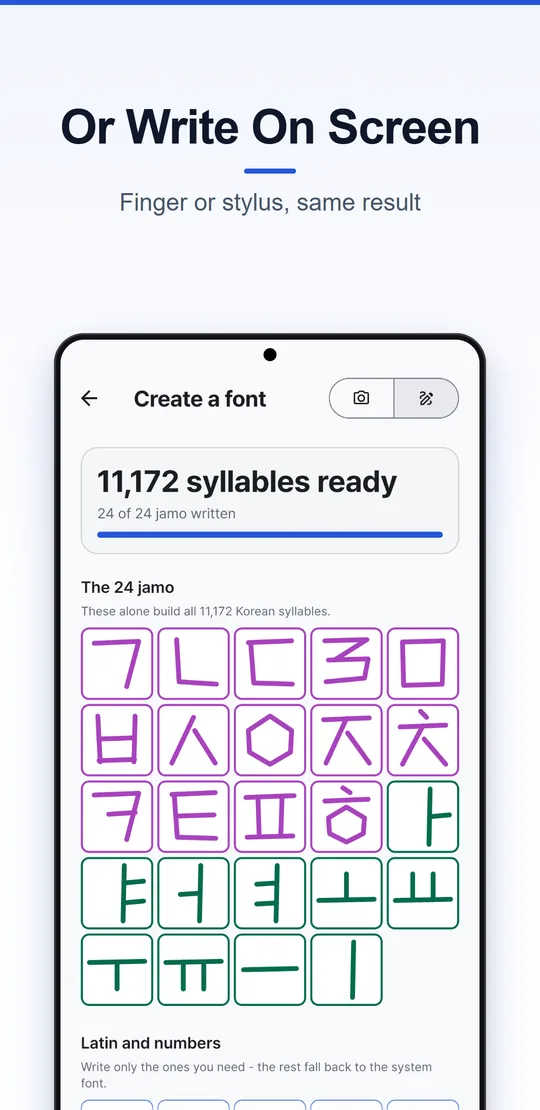
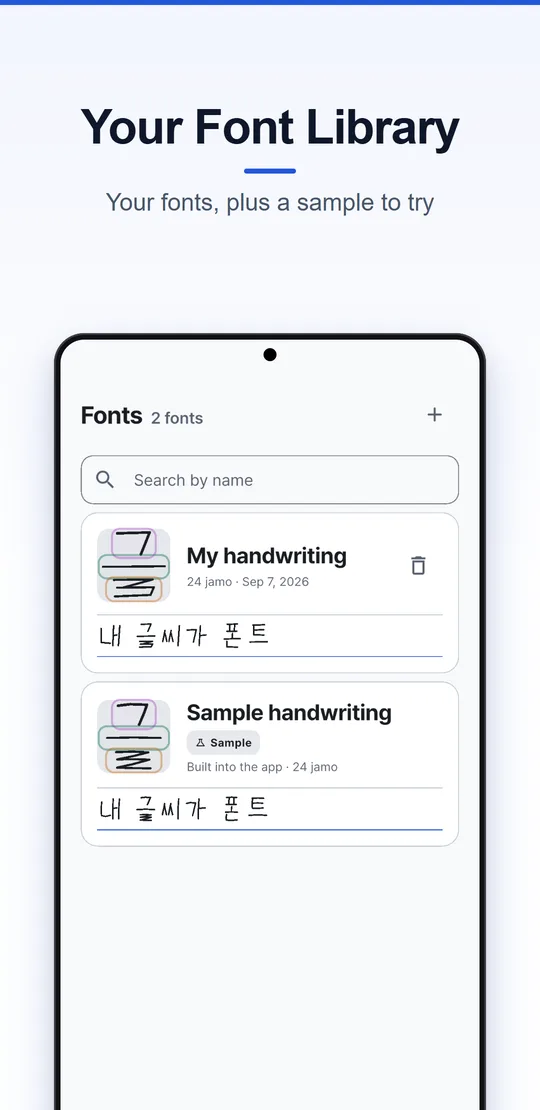
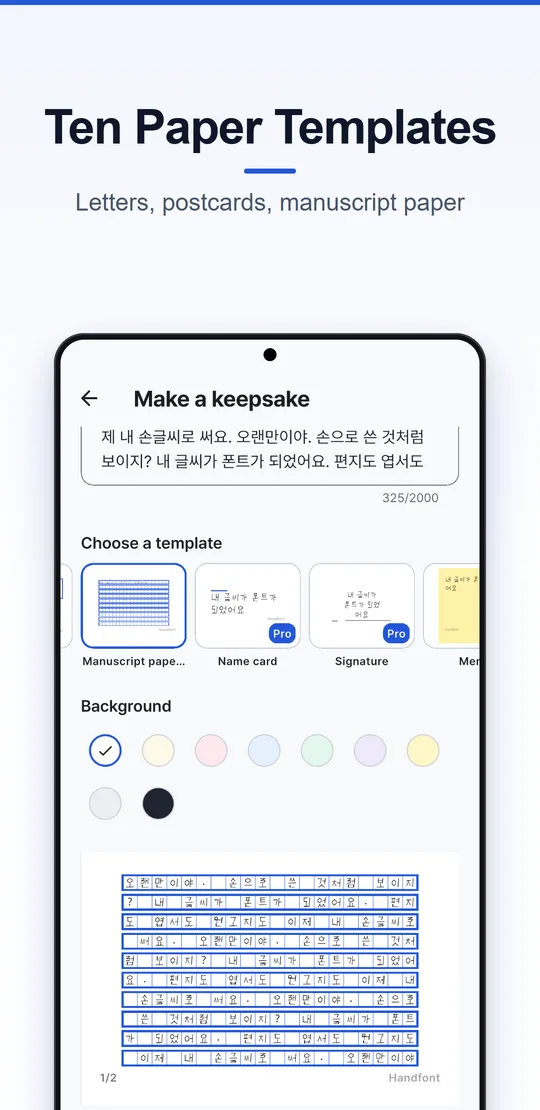
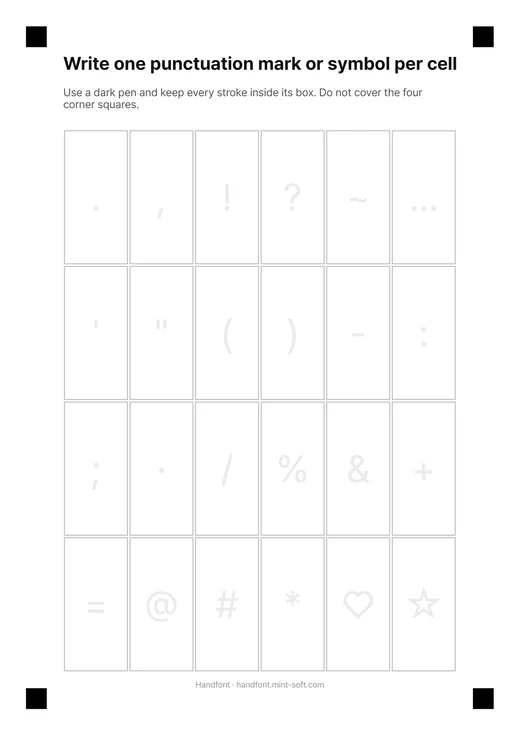
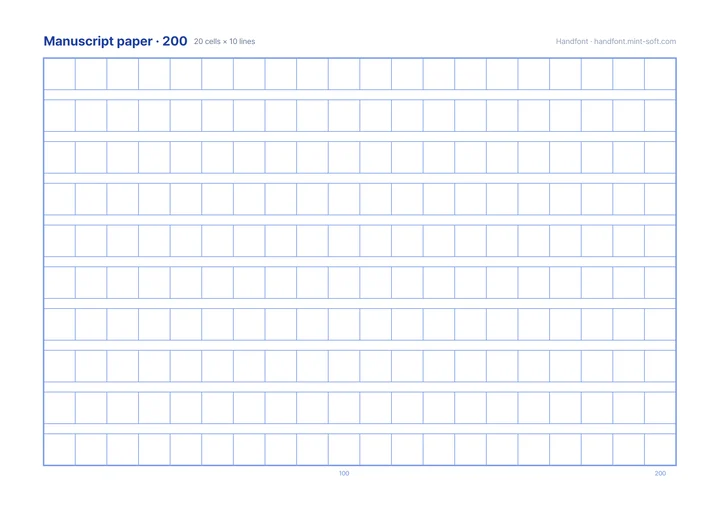
Writing sheets for Handfont
Jamo, Latin + digits and symbols sheets that the app can scan, plus 200-cell manuscript paper.
See all sheets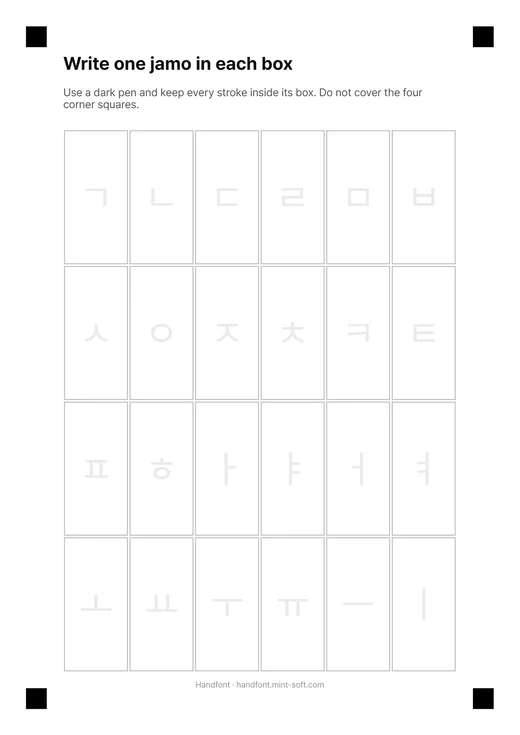
Frequently asked questions
How many letters do I need to write?
Only the 24 basic jamo. Handfont combines them into all 11,172 modern Hangul syllables. Latin letters, digits and symbols are optional extra sheets.
Do I need a printer?
No. You can write every jamo on the screen instead. The printed sheet is simply the fastest way — one photo fills all 24 boxes.
What size should I print?
A4 at 100% (actual size). On US Letter, choose “Fit to page” — the app measures from the four corner squares, so scaling is fine as long as none of them is cut off.
Is my handwriting uploaded anywhere?
No. Reading the photo and building the font happen on your device.
Make your first font today
Handfont is free to try on Android and iPhone.