Scannable in the app
Jamo sheet (24)
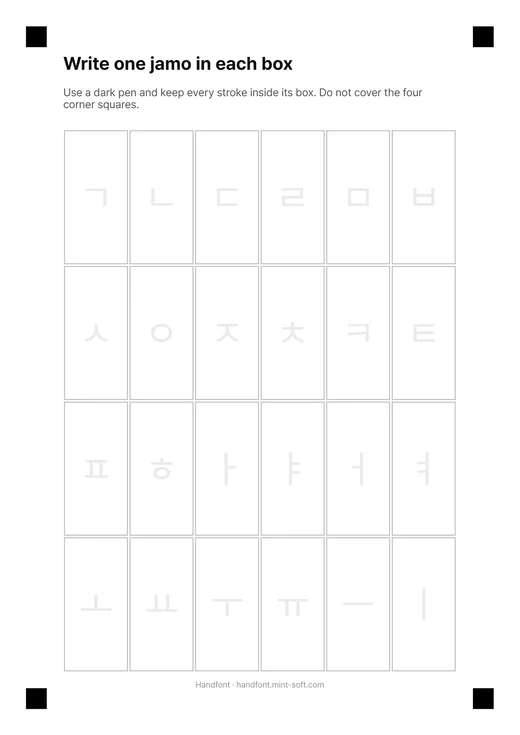
The 14 consonants and 10 vowels that build all 11,172 Hangul syllables. Start here.
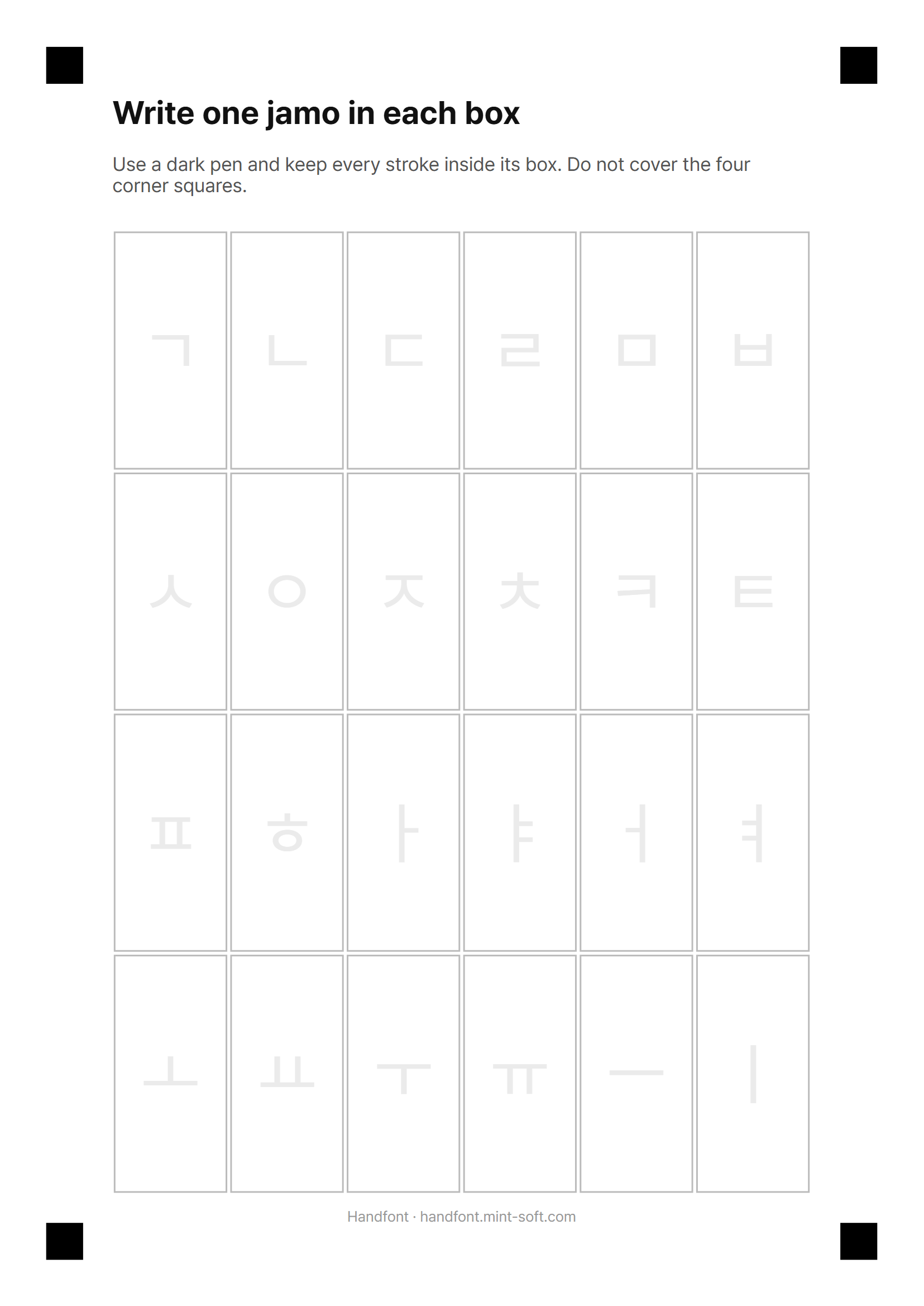
English instructions · Korean instructions PDF
Print a sheet, fill in each box with a dark pen and photograph the whole page in Handfont. The first three sheets are read automatically by the app.
The 14 consonants and 10 vowels that build all 11,172 Hangul syllables. Start here.
English instructions · Korean instructions PDF
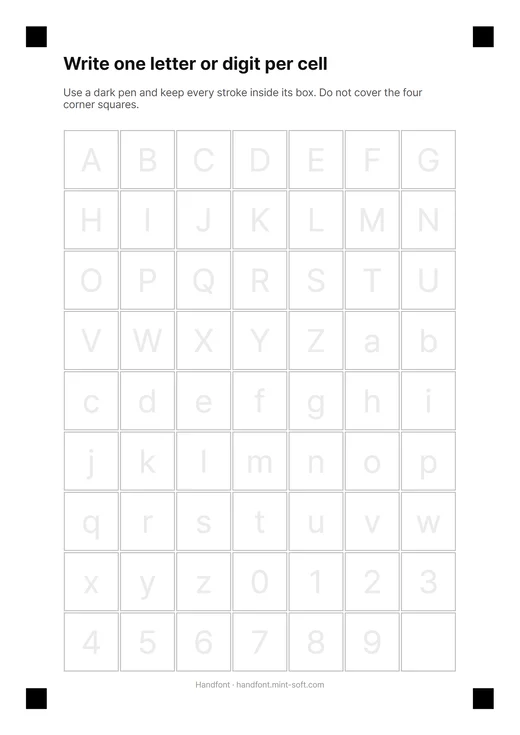
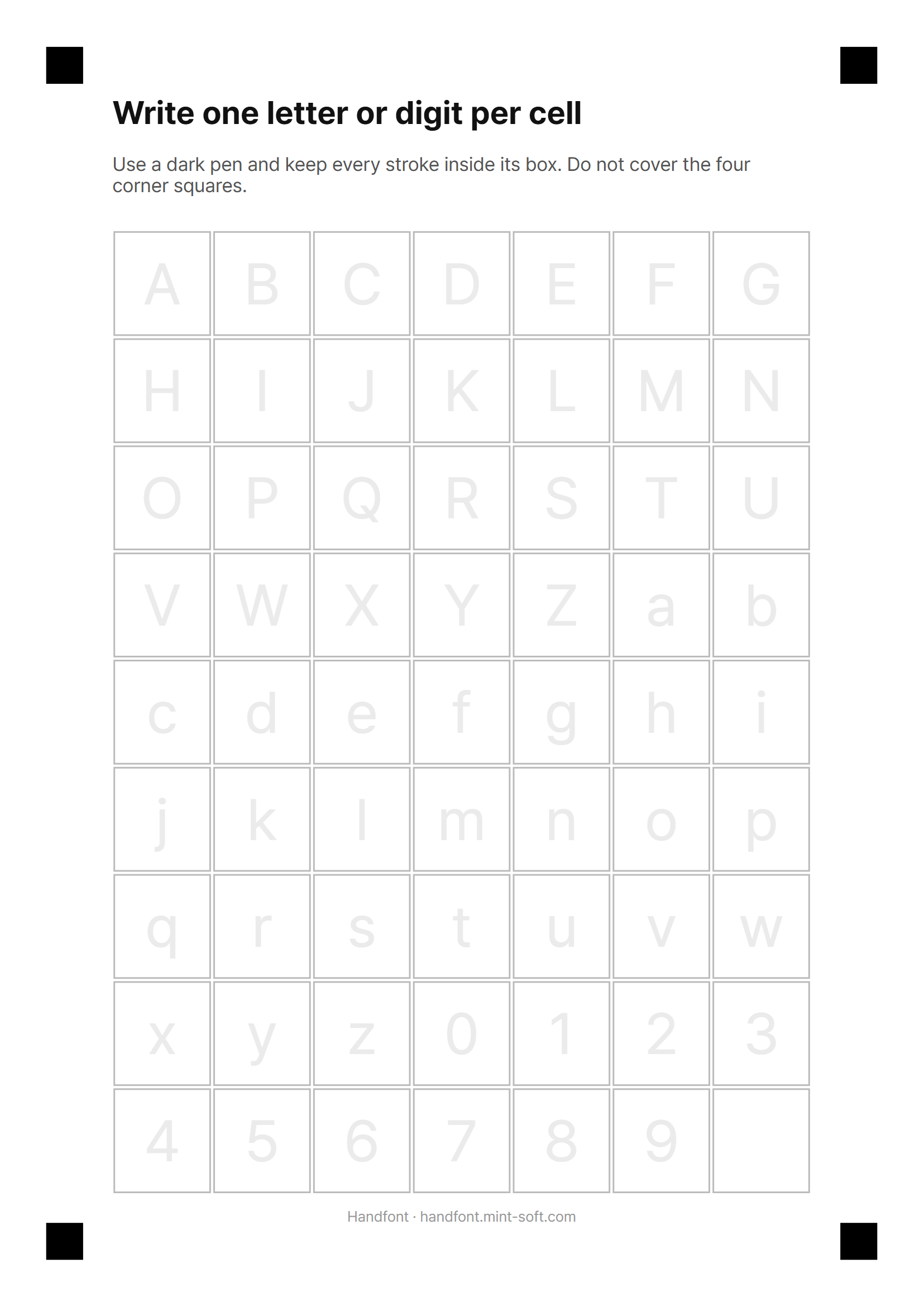
A–Z, a–z and 0–9 so English words and numbers match your handwriting.
English instructions · Korean instructions PDF
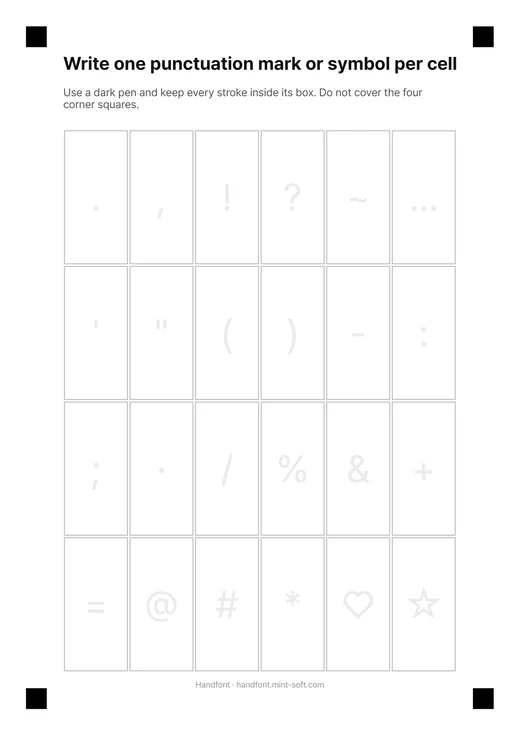
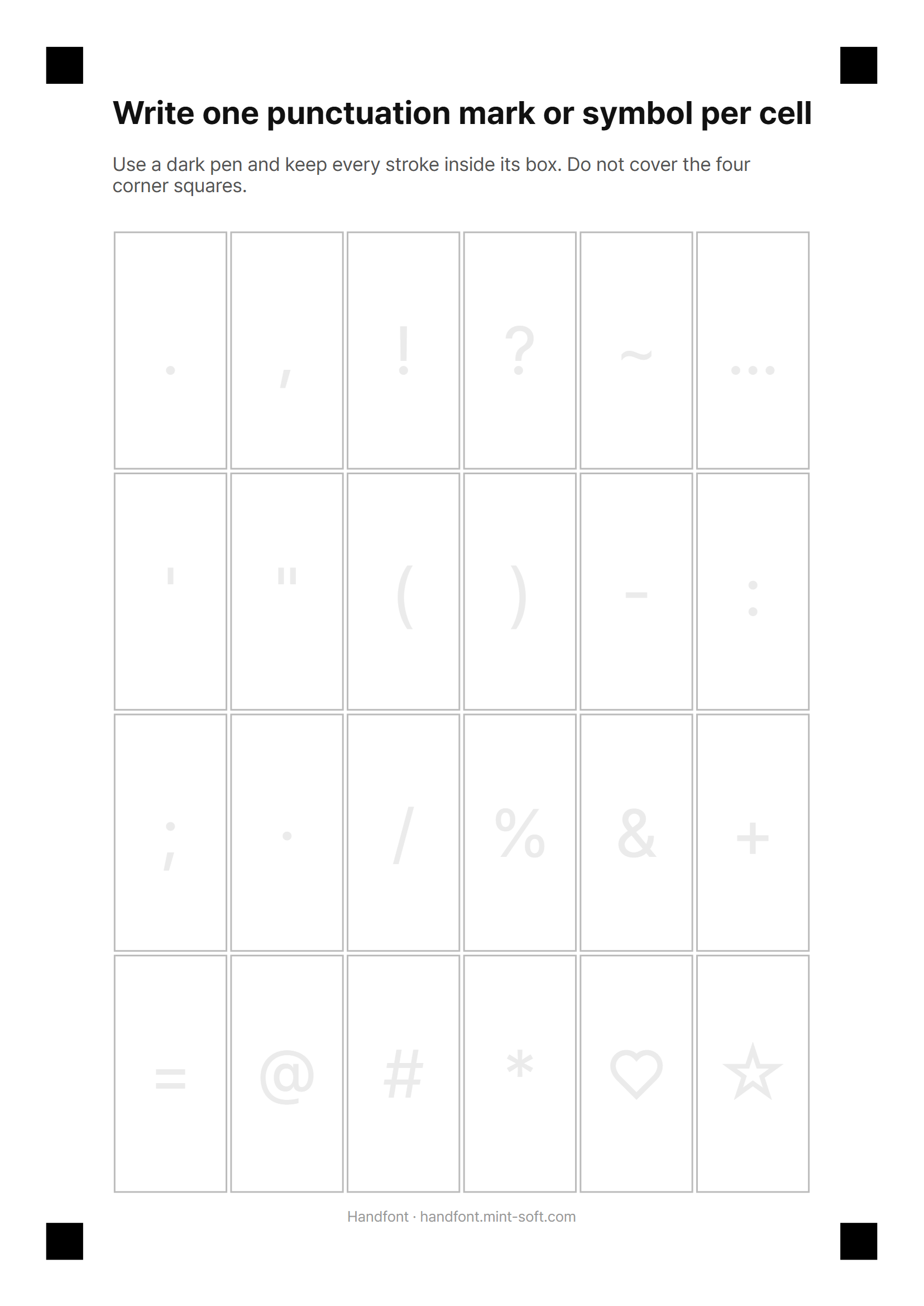
Punctuation and symbols such as . , ! ? ( ) ~ ♡ ☆ to complete every sentence.
English instructions · Korean instructions PDF
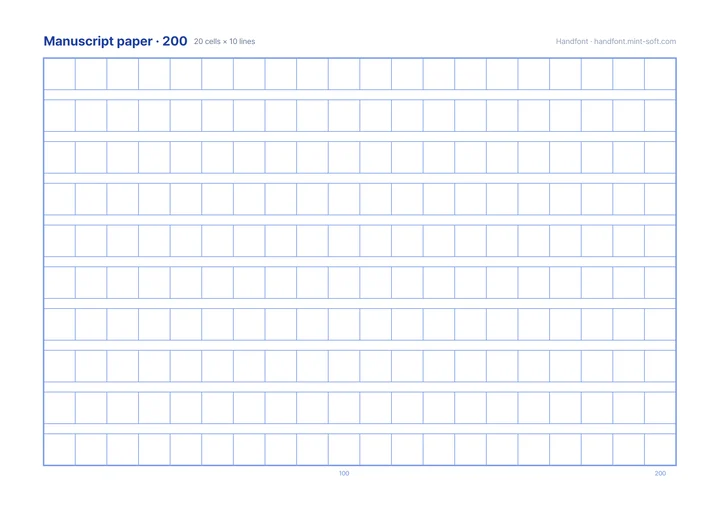
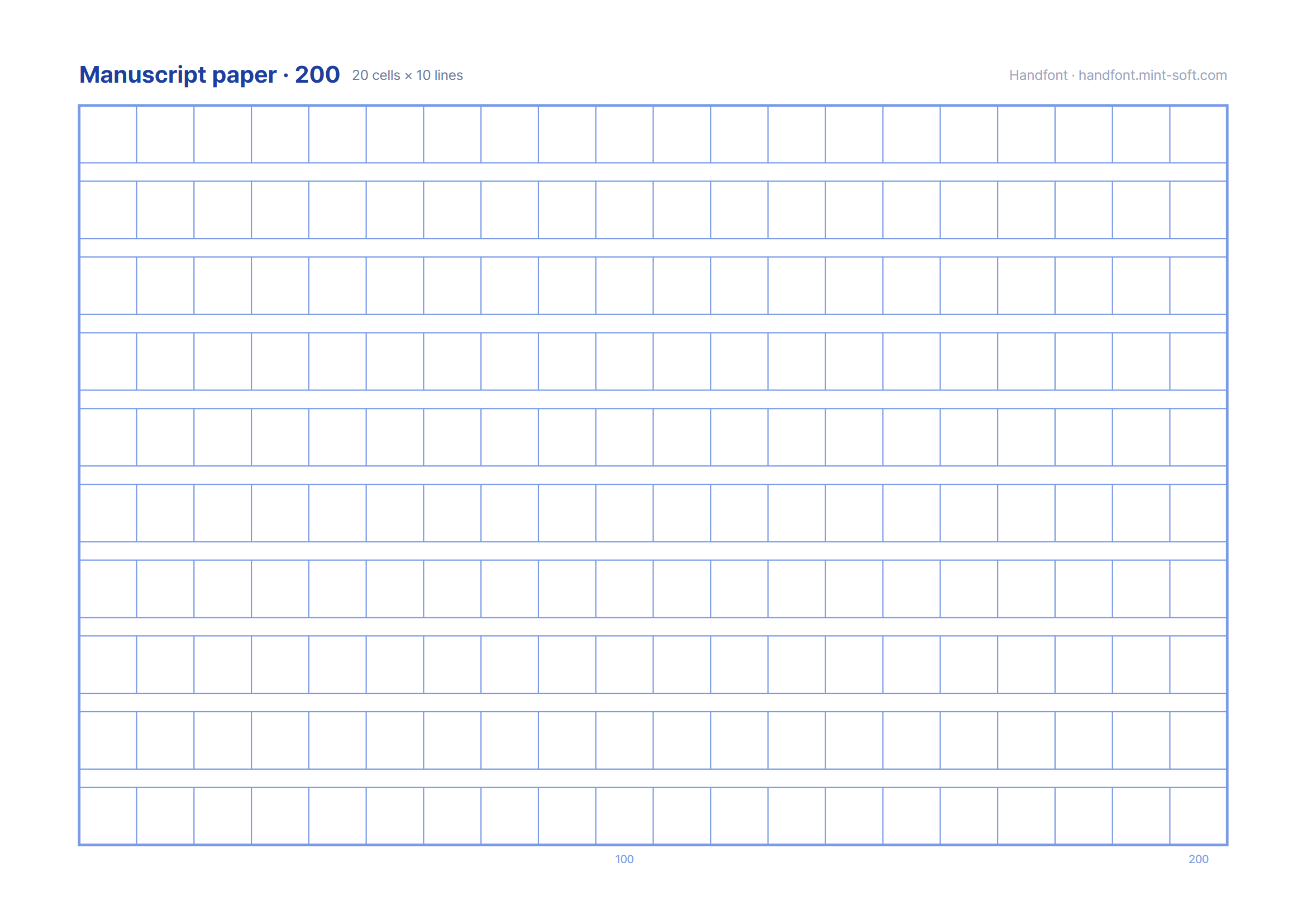
Classic 20 × 10 Korean manuscript paper for practising or writing letters by hand.
English instructions · Korean instructions PDF
In Handfont, create a font and choose “Photograph paper”. Pick the same sheet type you printed — jamo, Latin + digits or symbols — so every box lines up.
Get the app